Our Newsletter Topics for This Month:
Please review our updates for our .NET and VS Code user groups.
We have also highlighted what you need to know when activating temporary licenses.
In February, we held our .NET Interface User Group meeting.
The meeting brought together participants for a dynamic and productive discussion.
While some were unable to join, they continued to engage with the group afterward and contributed to the ongoing conversation.
At the meeting, and in follow-up discussions with the group, we outlined our plans for the PxPlus 2026 .NET Interface enhancements and showcased several upcoming features.
The response was overwhelmingly positive, with participants expressing enthusiasm about the direction we’re taking. Key highlights included:
It was a great meeting and we would like to thank everyone who participated.
We are excited to share the results when we get back together.
During our January user group meeting, participants shared several valuable suggestions for further enhancements.
Based on the feedback, we have implemented several of those enhancements including:
We are looking forward to reconnecting to review the new functionality.
Temporary License Activations
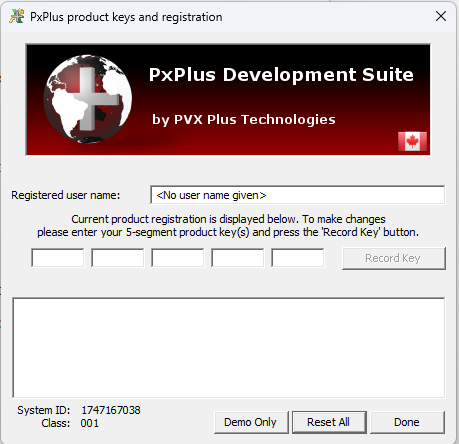
To ensure a successful temporary setup and avoid validation errors, you must enter your activation keys in the following sequence:
Pro Tip: Entering the complete set of keys is crucial. Skipping add-on keys often leads to feature specific errors or license validation failures.
Online Activation
If your server has internet access, using Online Activation is the most reliable method. The system will automatically pull the necessary license data from the server, minimizing manual entry errors and ensuring all features are synchronized correctly.