PVX Plus Technologies May Newsletter

Our Newsletter Topics for This Month:

  • Our New Release is Here 
  • How We Are Helping Our Clients Advance with AI
  • Help Shape the Future of PxPlus

We are excited to announce that PxPlus Version 23 officially launched last week!

This release represents months of innovation, collaboration, and dedication from our incredible team.

Version 23 introduces powerful new enhancements inspired directly by customer feedback, helping you work smarter, faster, and more efficiently than ever before.

We are also excited to showcase how we are supporting our clients with evolving AI driven solutions and requirements, delivering new opportunities for growth and innovation.

Share your ideas and help shape the future of PxPlus by submitting your suggestions and feedback.
v23 Image Link to Larger Item Photo, ListItemCarouselImage1

Our New Release is Here

We’re excited to announce the release of PxPlus 2026 v23, packed with enhancements focused on security, modern UI improvements, developer productivity, and integration updates.

Our developer licenses and CCP clients have automatically been upgraded to version 23.

Our PxPlus SQL ODBC Driver and PxPlus SQL Server (version 8.20.0000) is now available. 

Highlights include:


Updated PxPlus Security Modules

The most recent software component and security module upgrades and enhancements are as follows:

·       OpenSSL 3.5.6

·       Curl 8.19.0

·       Updated CA Root Certificates

·       Updated to the latest version of Chromium (*browser)

·       Updated the PxPlus SQL ODBC Driver and PxPlus SQL Server to use OpenSSL 3.5.6 and added Data Dictionary Hide Table support


New Control Properties

We have introduced two new control properties, Corner Radius and Focus Rectangle, enabling the creation of modern rounded UI elements while enhancing the overall look and feel of both NOMADS and non-NOMADS applications.


Refreshed Light and Dark Mode

Our Light and Dark mode toolkit themes have been refreshed with updated visuals and enhanced UI elements for a more modern, polished experience.


Visual Code Extension Enhancements

The PxPlus Visual Studio Code Extension has been enhanced with improved WindX connectivity, streamlined code navigation, expanded program tooling and more intelligent Auto Complete capabilities for a faster, more efficient development experience.


New .NET Interface Enhancements

The .NET Interface has been upgraded with new index access methods, a powerful array conversion utility program, convenient dialog-based selection for system DLLs and objects, and enhanced exception messaging for improved debugging and development efficiency.


New Authenticator App Support

Two-Factor Authentication in NOMADS and iNomads now includes support for Authenticator App verification, providing an added layer of security and a more convenient login experience.

This release continues our commitment to delivering a modern, secure, and flexible development environment for PxPlus users.


Please see our release notes for full details.

a laptop on a desk Link to Larger Item Photo, ListItemCarouselImage1

How We Are Helping Our Clients Advance with AI

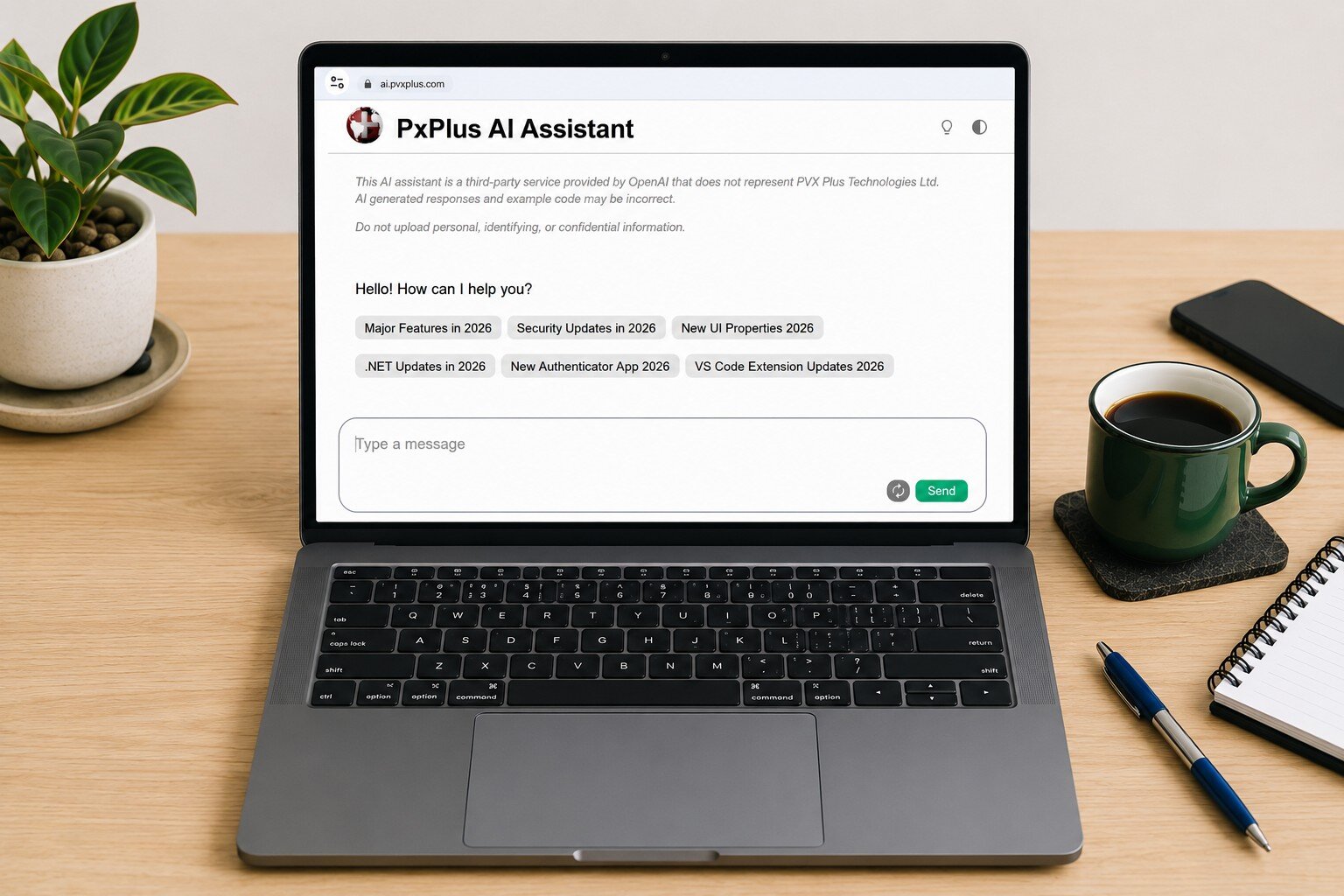
The PxPlus AI Assistant has been designed to provide meaningful and intelligent responses by searching trusted PxPlus resources, including the PxPlus Manual, the PVX Plus Knowledge Center, and other valuable support materials.

To further enhance the experience, responses may also include helpful links and additional supporting information.

Now enhanced with medium reasoning capabilities, the AI Assistant delivers even smarter, more context-aware assistance to help users find answers more efficiently and improve productivity.

While the AI Assistant can provide limited code examples when appropriate, its primary focus is to serve as a powerful informational and support resource rather than a full code-generation tool.

To help our clients get the most value from the AI Assistant, we’ve put together a collection of useful AI prompts you can start using right away.

Explore the examples below and discover new ways to work smarter with PxPlus AI Assistant:

"How do I start learning PxPlus?"
"How do I install PxPlus on Windows/Linux?"
"What can I do to modernize my PxPlus application?"
"How do I connect a database to my PxPlus application?"
"How do I migrate my Nomads application to Webster?"
"How do I get started using .NET in PxPlus?"
"How do I use VSCode over a WindX connection?"
"How do I setup 2FA with the Authenticator app for my application?"

a sign on a window Link to Larger Item Photo, ListItemCarouselImage1

Help Shape the Future of PxPlus

Now that PxPlus 2026 has been released, we’re already planning what’s next and we would like your input. Many of our best enhancements start with customer feedback, from new features and integrations to workflow improvements and training resources.

We’ve created a simple feedback form titled Share Your Ideas where you can quickly share your ideas and suggestions directly with our team. Tell us what would make PxPlus even more valuable for you and your customers. Your feedback could help shape our future releases.

Select the Share Your Ideas link to access the form and submit your feedback.